
Ideogram: The AI Image Tool That Finally Gets Text Right

The One Thing Most AI Image Tools Get Wrong
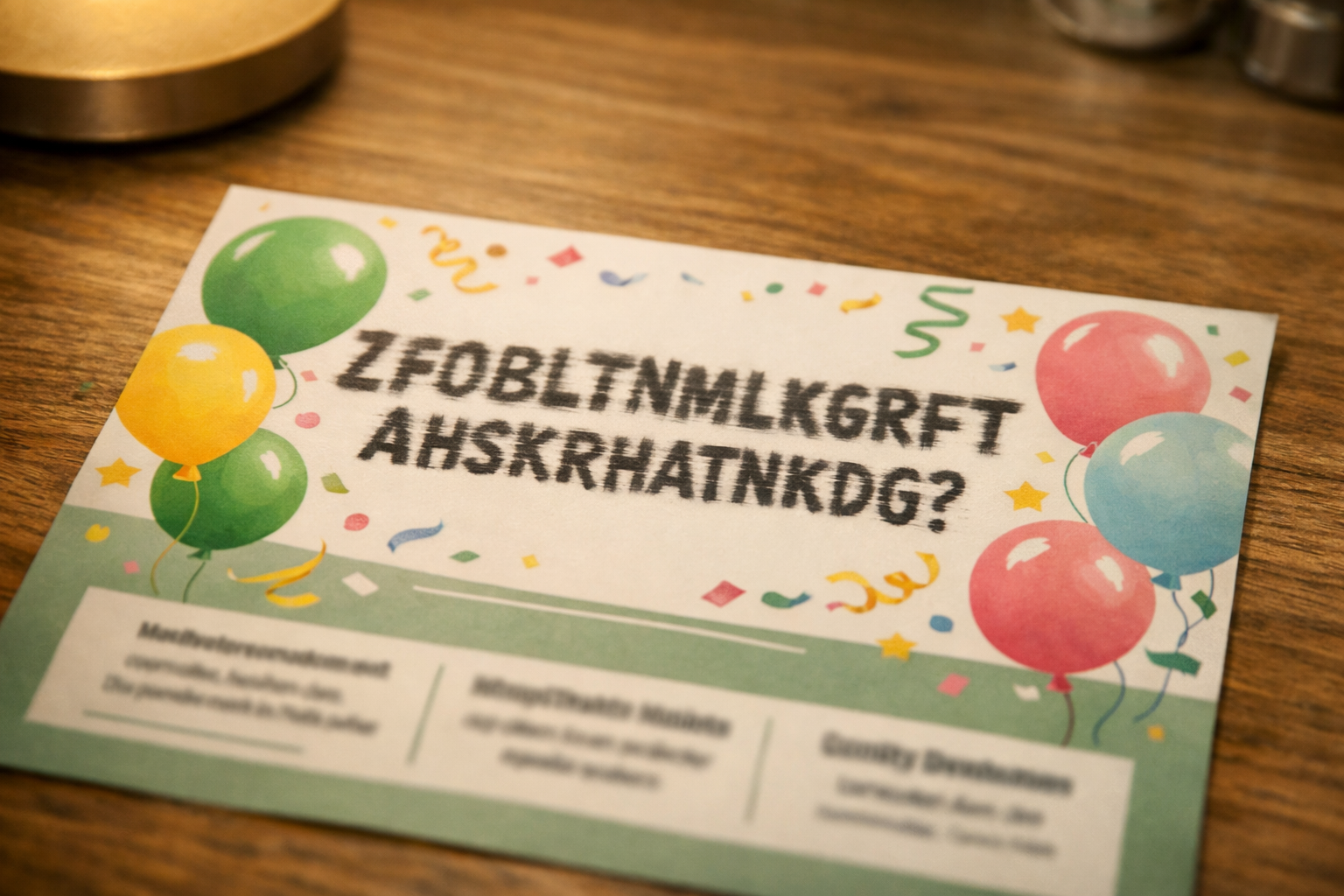
If you've ever tried to create a flyer, a social media post, or a simple banner using an AI image generator, you've probably run into the same frustrating problem: the text looks like gibberish. A beautifully generated image of a café scene, but the chalkboard sign in the background reads something like "Cffoe Sphop." It's a small thing, but it's enough to make the tool feel useless for anyone who actually needs to communicate something.
That's exactly the problem Ideogram was built to solve — and it's worth understanding why that matters for everyday people who want to use AI creatively without hiring a designer.[1]
What Makes Ideogram Different
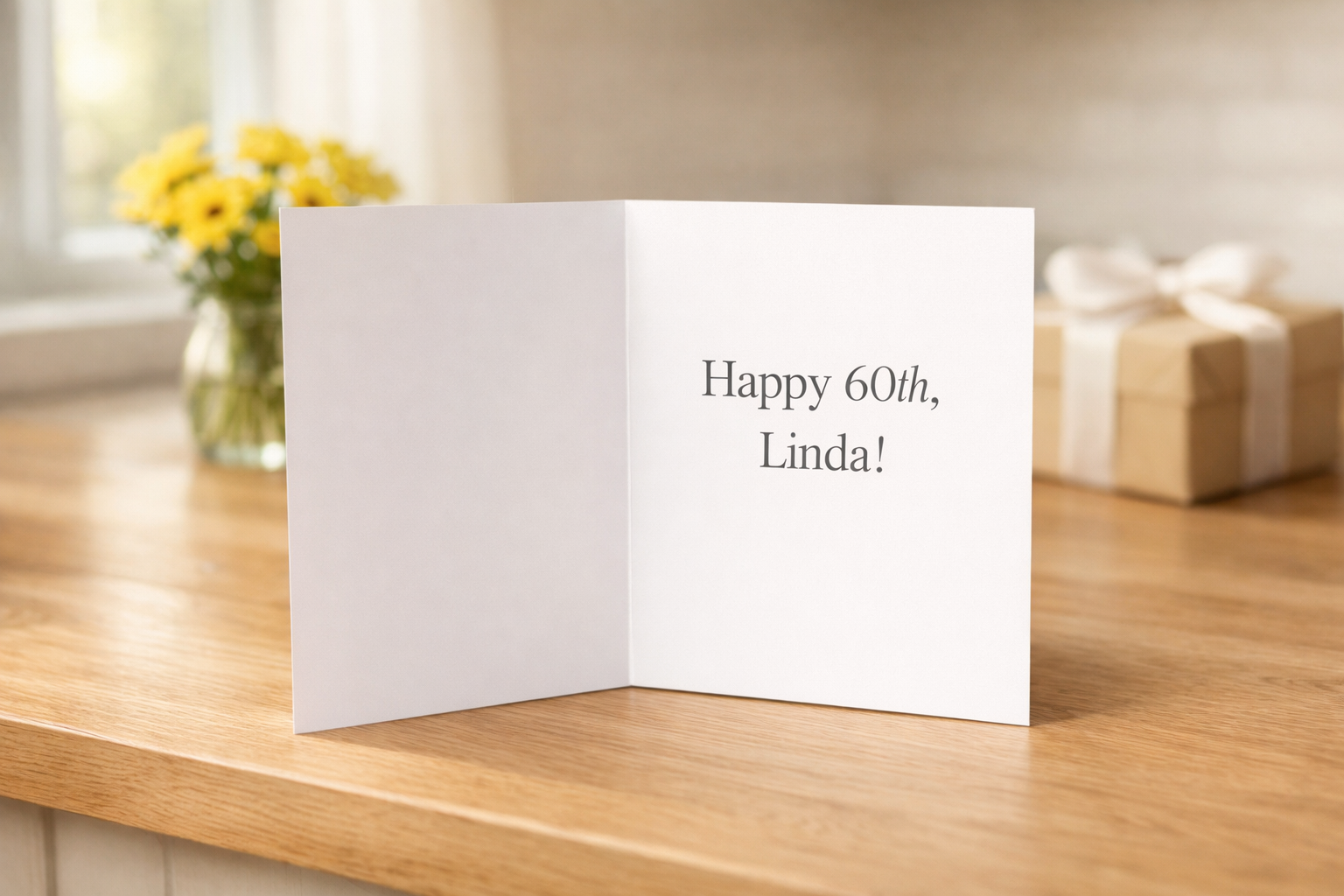
Most AI image generators — tools like Midjourney or Stable Diffusion — are impressive at producing stunning visuals, but they've historically struggled with one surprisingly basic task: rendering readable text inside an image. Ask them to generate a birthday card that says "Happy 60th, Linda," and you might get something that looks close but reads as nonsense on closer inspection.
Ideogram was designed from the start with this specific weakness in mind. It can generate images that include clean, accurate, readable text — words that actually say what you asked them to say. That might sound like a small technical detail, but for anyone who needs to make real-world materials, it changes everything.[1]
Think about a small bakery owner named Maria. She wants to post a weekly special on Instagram — something eye-catching with the name of the dish and the price. Before Ideogram, she'd either need to use a design app like Canva (which requires more manual effort) or accept that AI-generated images couldn't include the text she needed. With Ideogram, she can type a description like "a warm photo of fresh croissants with the text 'Butter Croissant $3.50' in elegant script" and actually get a usable result.
It's Not Just About Text
Beyond its text-handling abilities, Ideogram has been quietly building a toolkit that works well for non-designers. It offers a variety of style options — from photorealistic to illustrated to typographic — and a canvas feature that lets you edit and adjust generated images rather than starting over from scratch every time something is slightly off.[1]
The tool also recently introduced a feature that lets you upload a reference image and generate something in a similar style. So if you've found a look you love — say, the warm, vintage feel of a particular poster — you can use that as a starting point rather than trying to describe it in words.
For a retired teacher putting together a community newsletter, or a real estate agent who wants fresh social content every week, these aren't luxury features. They're practical tools that make the difference between something that looks homemade and something that looks considered.

What You Need to Know Before You Start
Ideogram has a free tier that lets you generate a limited number of images per day, which is plenty if you're just exploring or have occasional needs. Paid plans unlock more generations, faster processing, and private images (free-tier images are visible to others in the community gallery — worth knowing if you're creating anything sensitive or proprietary).
The learning curve is genuinely low. You don't need to understand anything about AI to use it. You describe what you want in plain language — the more specific, the better — and the tool does the rest. "A professional LinkedIn banner for a financial advisor with the text 'Planning Your Future' in bold blue letters" is a perfectly reasonable prompt that will get you a usable result.
Like any AI tool, it doesn't always get things right on the first try. But the ability to regenerate variations quickly means you're not stuck — you just keep going until something clicks.

The Bigger Picture
What Ideogram represents is a quiet but important shift: AI image tools are getting specific. Rather than one giant tool that does everything adequately, we're seeing tools built around solving particular frustrations really well. For everyday users, that's good news. You don't have to become a prompt engineer or a design expert. You just need to find the tool that matches your actual problem.
If your problem is "I need images with readable text for my business or personal projects," Ideogram is worth fifteen minutes of your time. Chances are, you'll stick around.
Sources
Want more plain-English AI news?
AI Foresights covers the latest AI developments, side income ideas, and tool reviews — written for everyday professionals, not tech experts.
Was this guide helpful?
Be the first to rate — or add yours below
More from Learn AI



Get new guides every week
Real AI income strategies, tool reviews, and plain-English news — free in your inbox.